
Looking for the best WooCommerce block theme to help you build your online store? This guide is here to help.
Finding the right block theme for your WooCommerce store can be a challenge because there are so many options, and finding the right one can be time-consuming.
We’re here to help. In this guide, we’ll walk you through the best true WooCommerce block themes you can use to build your store. And we’ll highlight some partial block themes you might consider if you have specific needs.
In this guide, we’ll cover:
- What a WooCommerce block theme is.
- The difference between true and partial WooCommerce block themes.
- The best true WooCommerce block themes to use to build your online store.
- Some partial WooCommerce block themes for those that need them.
What is a WooCommerce block theme?
WordPress currently has a few different ways to build a website. The old way involved a mix of theme settings, page builders, and custom code. The new way is blocks. Reusable, visual building pieces that you drag, drop, and arrange right in the page editor.
A block theme is built entirely around this new approach. Everything you see on your site, from the header to the footer, is made of blocks and editable in one place.
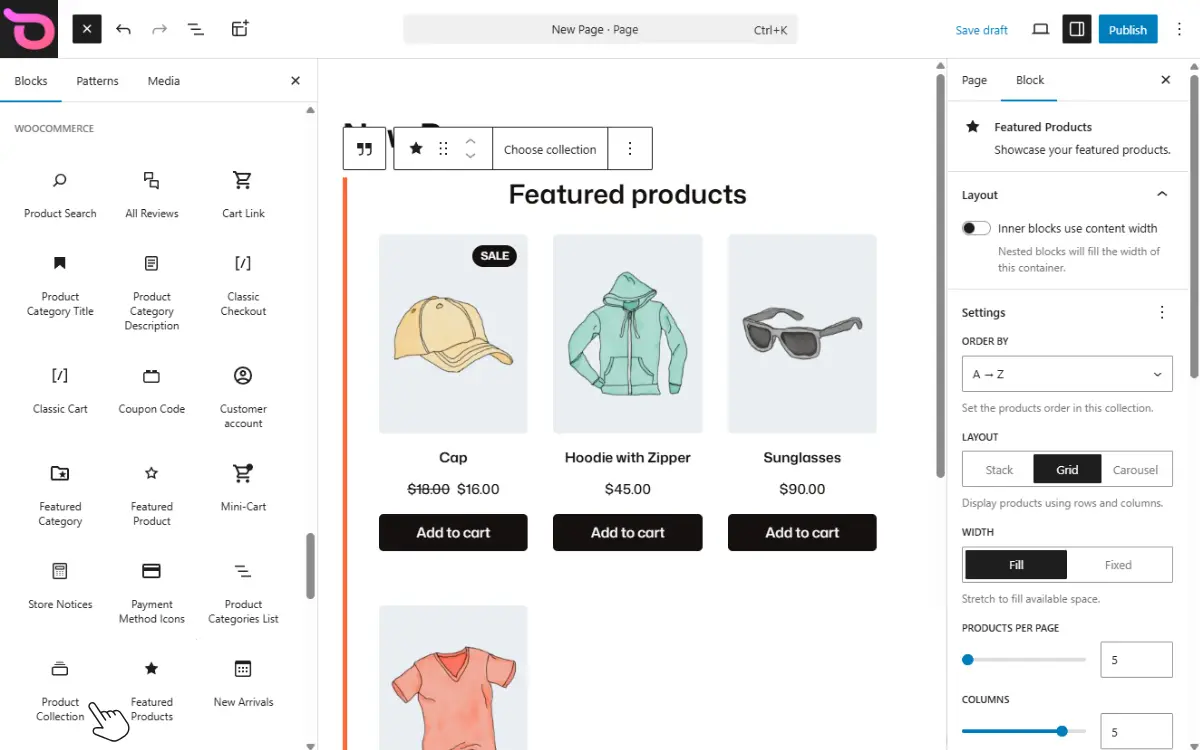
WooCommerce is the plugin that turns your WordPress site into an online store. A WooCommerce block theme extends the same visual editing experience to your store pages, too. Your product listings, cart, and checkout all behave like the rest of your site. They’re fully visual and editable with no coding knowledge needed.
Some themes claim to be block themes but only go partway. We call those partial block themes, and we cover them separately below.
True WooCommerce block themes vs partial block themes: what’s the difference?
Partial (or hybrid) block themes sit between classic (non-block themes) and block themes. Usually, it’s a classic theme that has been updated to support specific features in the block editor. Or a hybrid of both. So it partially supports site editing using blocks without going all in.
Let’s break down how they differ from true block themes
Theme architecture
True block themes are built entirely with blocks. They don’t rely on PHP templates for layouts. Their entire site structure is block-driven. Instead, they put together groups of blocks to make patterns.
Learn all about block patterns in our WordPress Block Patterns guide.
With hybrid themes, the core layout still uses PHP templates, but blocks are layered on top of this. This means that some parts of your website will still rely on PHP templates.
Editing experience
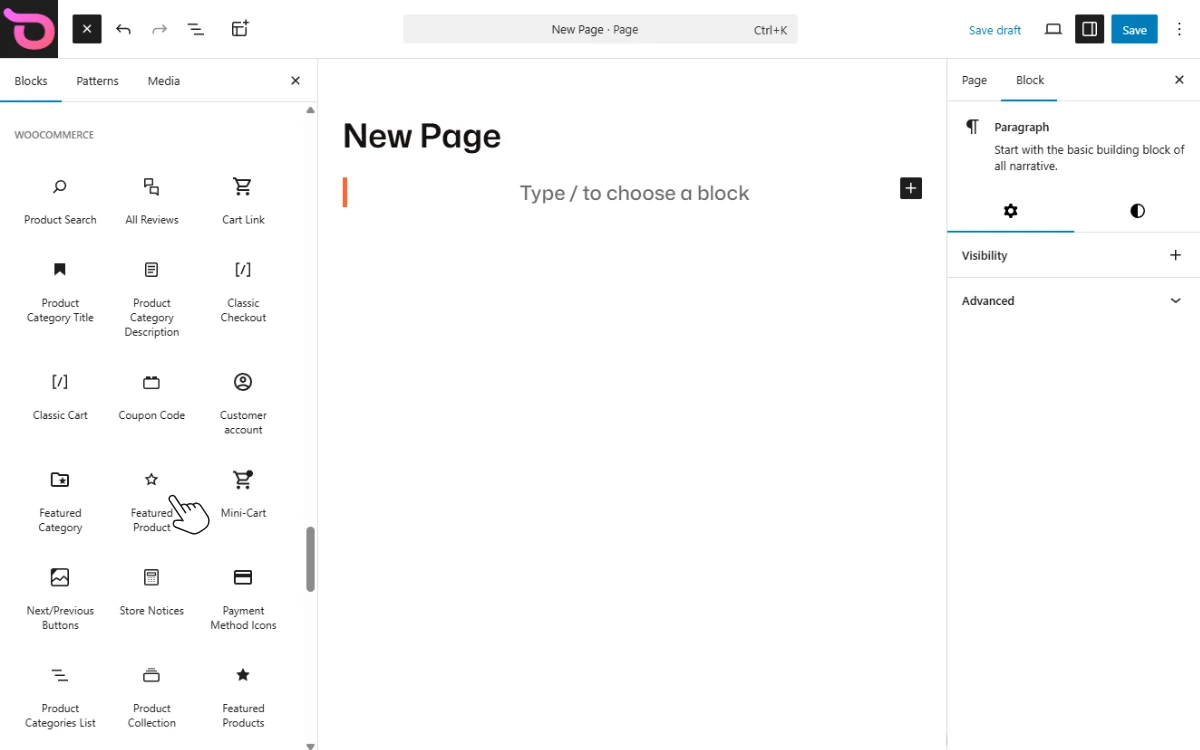
With true block themes, you use the Site Editor to visually build your site’s templates and pages. Everything happens inside the editor, including previewing your changes. However, the experience is mixed with partial block themes.
You may need to use:
- The block editor for content and standard pages.
- The WordPress Customizer to build the layout.
- The options/settings within your theme for the structure.
Hybrid block themes split editing across multiple systems, while true block themes keep everything inside the Site Editor.
WooCommerce integration
True block themes fully support all WooCommerce blocks. This means you can build all WooCommerce pages, such as product pages, shop, cart, and checkout pages, using blocks alone.
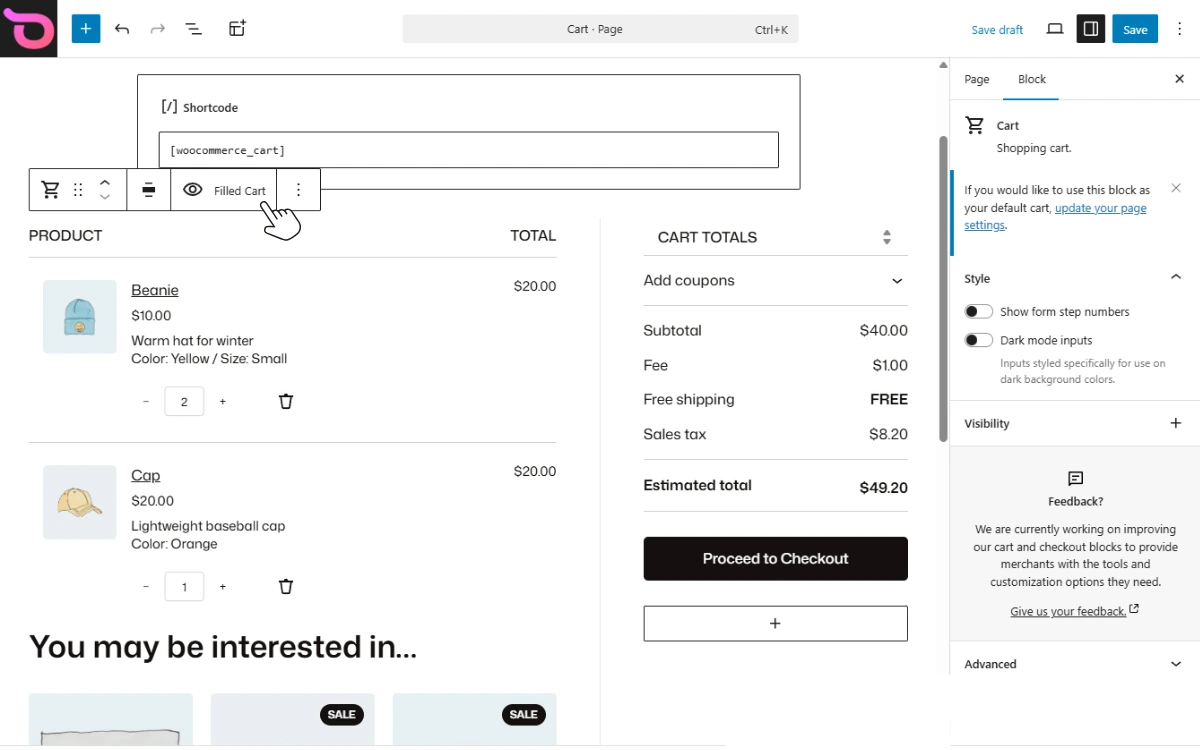
Hybrid themes, on the other hand, support WooCommerce but sometimes fall back to PHP templates or shortcodes for WooCommerce pages, such as product and shop pages. With key ecommerce pages controlled by PHP templates, you can sometimes build only part of your store using blocks. Not the whole thing.
Template control
You can edit WooCommerce templates visually using the Site Editor using blocks. In this way, blocks make it easier to build custom templates. Plus, you have more control over what your templates look like without having to edit code.
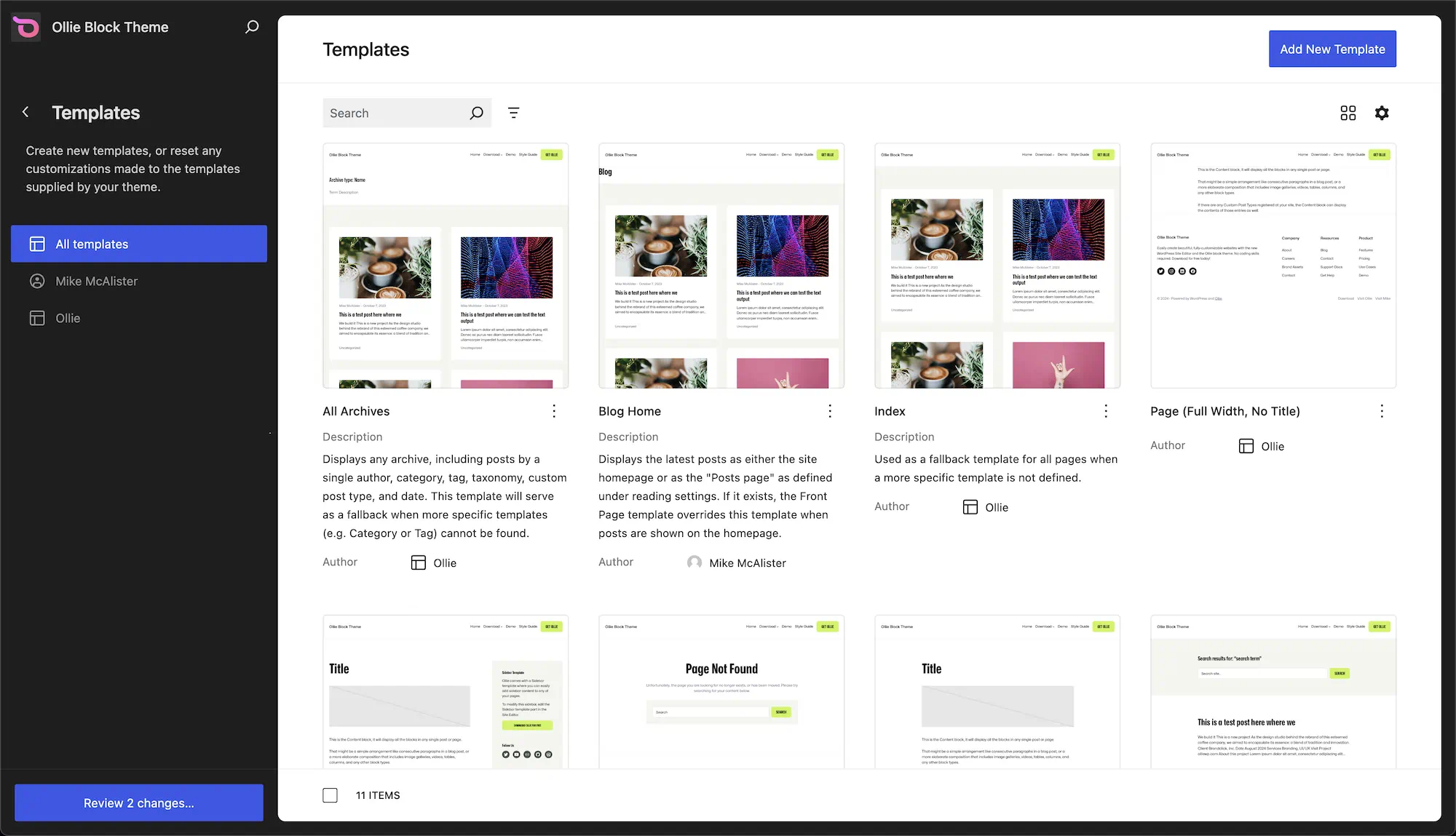
On the other hand, if you want to create a custom template for certain pages, you’ll need to edit the PHP or CSS code in the hybrid block theme. Which isn’t easy.
To summarize, here’s a table on the differences between true and partial block themes.
| Feature | True block themes | Partial block themes |
|---|---|---|
| Theme architecture | Templates made entirely from blocks (.html) | Templates are PHP-based. |
| Editing experience | Everything inside the block editor. | Editing is split across multiple systems. |
| WooCommerce integration | Fully block-based. | Partially block-based, with some sections relying on PHP templates. |
| Template control | You can create custom templates without touching code. | To create custom templates, you have to edit the PHP or CSS code. |
TLDR: Partial block themes use the block editor for parts of the site but rely on classic PHP templates or shortcodes for others, especially WooCommerce pages. With a true block theme, you’ll be able to design your entire store visually in one place without writing code.
Now we know the two main types of WooCommerce block themes you can use to build your online store. Let’s look at some of the best block themes to use, starting with true block themes.
The best true WooCommerce block themes
True WooCommerce block themes are built on the block editor from the ground up and fully support WooCommerce block templates. If you want to build your entire WooCommerce store using the block editor, here are the best block themes to consider.
WooCommerce block theme 1: Ollie
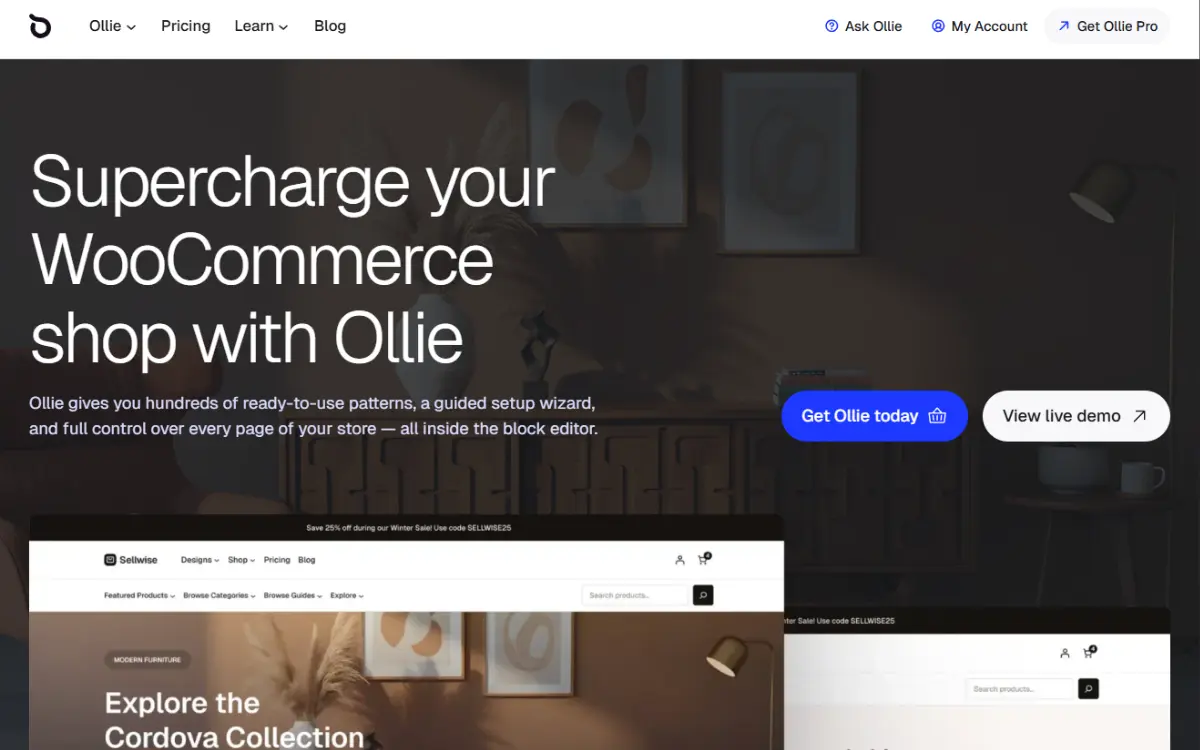
Best: Option overall for creating WooCommerce sites quickly and easily.
Price: Free theme available. Pricing for the Pro version starts at $89/year.
Starting us off is Ollie. This is a powerful block theme that gives you full control over your entire WooCommerce store inside the WordPress block editor. With Ollie, you can go from setup to advanced customizations quickly without writing any code.
Ollie supports all WooCommerce blocks and block features. As a result, you can design all WooCommerce pages (such as shop, cart, and checkout) using the block editor. You can also design sections like headers and menus specially to fit with your brand.
What separates Ollie as a WooCommerce block theme is that it’s built to work well with WooCommerce. Specifically, it combines a set of tools, designs, and customizations to enhance the functionality of WooCommerce blocks by default.
Why you might like it
Here’s why we recommend Ollie as the block theme to build your WooCommerce store:
- More customization options for native blocks. Including a carousel for featured product sections, hover effects, and different layouts for product cards. You can use these options to improve how different sections in your online store look.
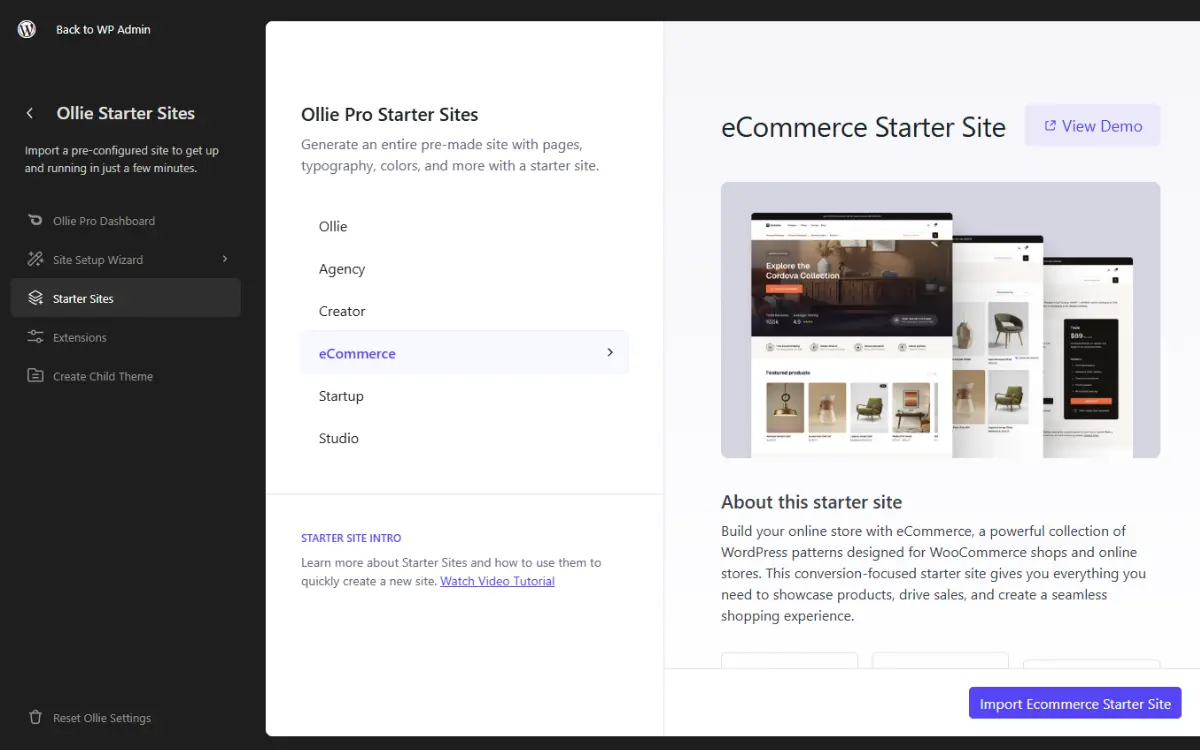
- Ready-made starter sites. This allows you to save yourself days of work. Instead of designing everything from scratch, you get a fully designed store ready to be customized to fit your brand.
- WooCommerce design patterns. If you prefer to build your site block by block, but you don’t want to start from scratch, Ollie’s block patterns will help you do it. This theme has patterns for hero sections, featured products, CTA, discount banners, etc.
- Content-rich menus. With Ollie’s Menu Designer, you can create expandable menus, rich in content like product categories, featured items, guides, etc. This way, customers will have a good user experience when navigating.
- Hand-picked typography and colors. Ollie pairs fonts and different color palettes. You can switch between them with one click, making typography and color design easy.
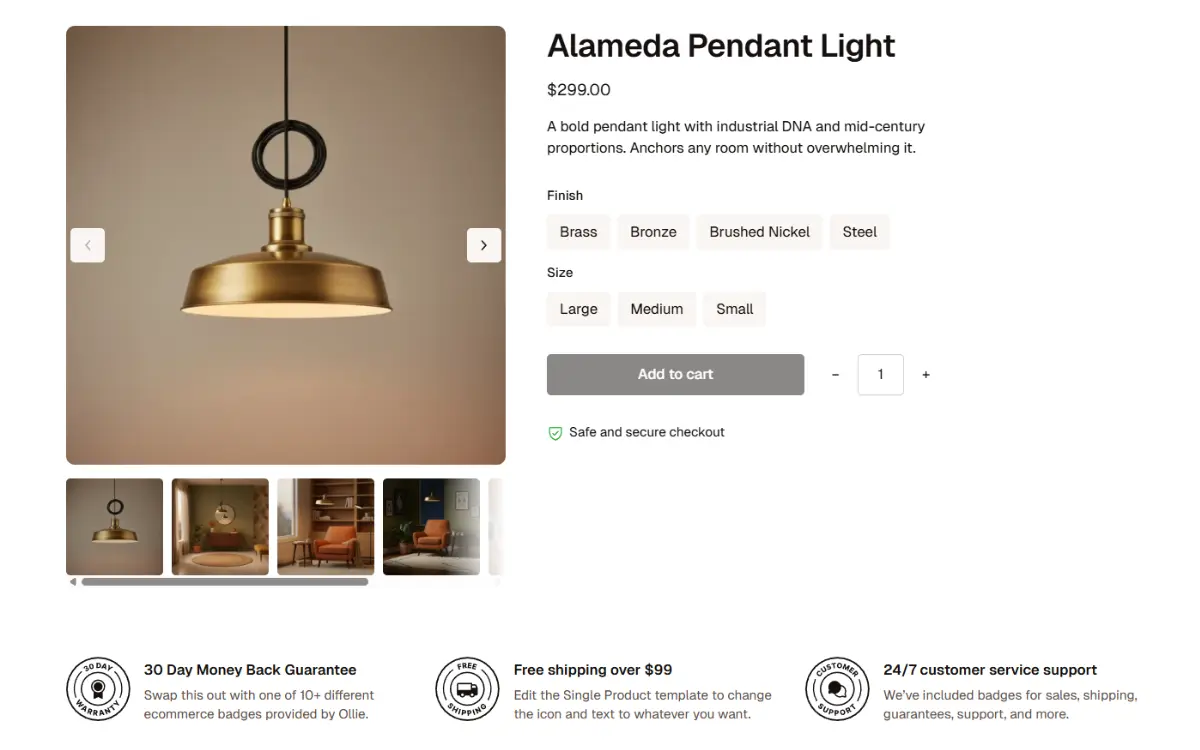
As a theme, Ollie is built entirely with WordPress blocks, allowing it to integrate seamlessly with WooCommerce blocks.
Block theme 2: Twenty Twenty Five
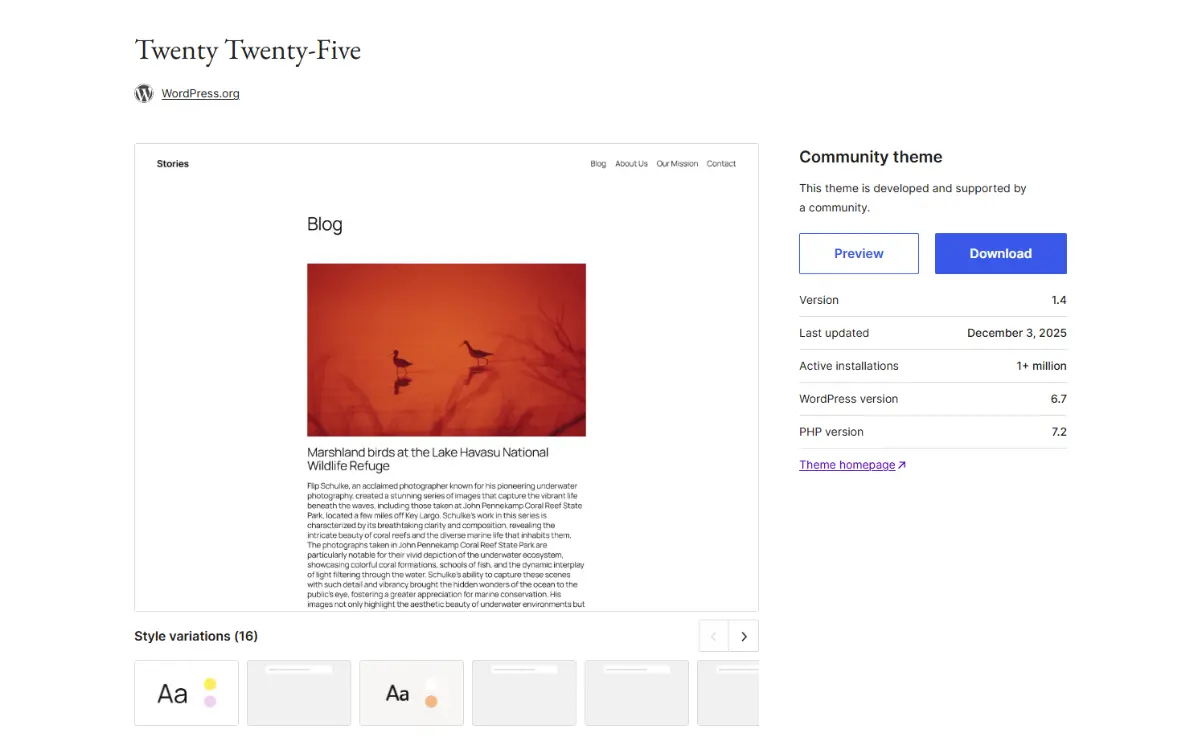
Best for: Beginners exploring the WP block system.
Price: Free.
Twenty Twenty Five is the default block theme that ships with WordPress since version 6.7. It is the standard FSE theme as it represents the current ‘ideal’ way WordPress wants you to build sites. Because of this, it supports all blocks, including WooCommerce blocks such as the mini cart, single product, cart, and checkout.
Twenty Twenty Five is a minimalist theme. It intentionally restrains visual design in that it uses:
- Neutral color palettes.
- Lots of white space.
- Simple layouts with minimal decoration.
- No heavy shadows, gradients, or complex UI elements.
Why you might like it
As the default WordPress block theme, Twenty Twenty Five offers the following key features:
- It’s lightweight. Twenty Twenty Five is optimized for speed, so it doesn’t slow down your site.
- Multiple style variations. It comes with multiple typography and color presets that you can use with a single click. Also, you can create your own color palettes and layout spacing.
- Several pre-built patterns. You’ll have prebuilt sections for about pages, services, CTA, and landing pages.
Twenty Twenty Five isn’t WooCommerce-focused out of the box. You can use it to build a WooCommerce store, but you’ll need to build store layouts yourself. It is better suited to bloggers, photographers, and creatives.
Twenty Twenty Five is the default true WordPress block theme. It is flexible enough to allow you to build a WooCommerce store, but not entirely suited to it.
WooCommerce block theme 3: YITH Wonder
Best for: Simple shops with a small product catalog.
Price: Free. Built to work with YITH WooCommerce plugins, which cost about $144/year.
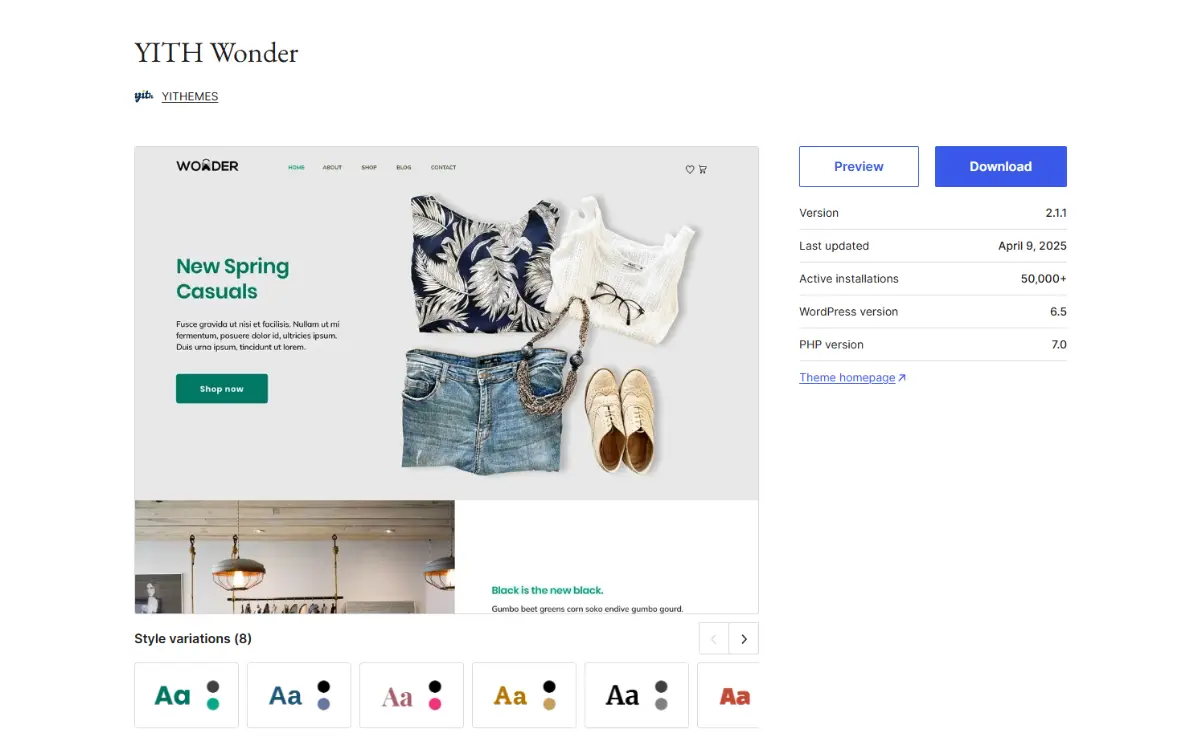
YITH Wonder is a block-based theme developed by the YITH team, who are well known for WooCommerce plugins. It is a minimalist theme similar to Twenty Twenty Five.
Why you might like it
YITH Wonder is a potential option for building your WooCommerce store because:
- It has customizable header and footer templates. Wonder makes creating headers and footers for your online shop easier. You pick a template you like and customize it the way you want using the block editor.
- It comes with full-page templates. For the homepage, about/company page, contact page, etc. The templates ensure you don’t have to build these pages from scratch.
- It also has prebuilt block patterns. This makes designing specific sections easier.
Take note: YITH Wonder’s design options are limited. It might be a good place to start, but it isn’t ideal if you want more design options to build a unique online store. It also says it’s compatible with WooCommerce blocks, but it isn’t very specific about what that looks like currently.
So that’s a few true block theme options to consider when you want to build your entire WooCommerce store using blocks alone. Let’s move on to partial block themes.
Partial WooCommerce block themes
These themes are not strictly true block themes, but you can use them to build part of your online store using blocks.
WooCommerce theme 4: GeneratePress
Best for: Users comfortable with a more manual setup.
Price: Free version available. The price for the premium version is $149/year.
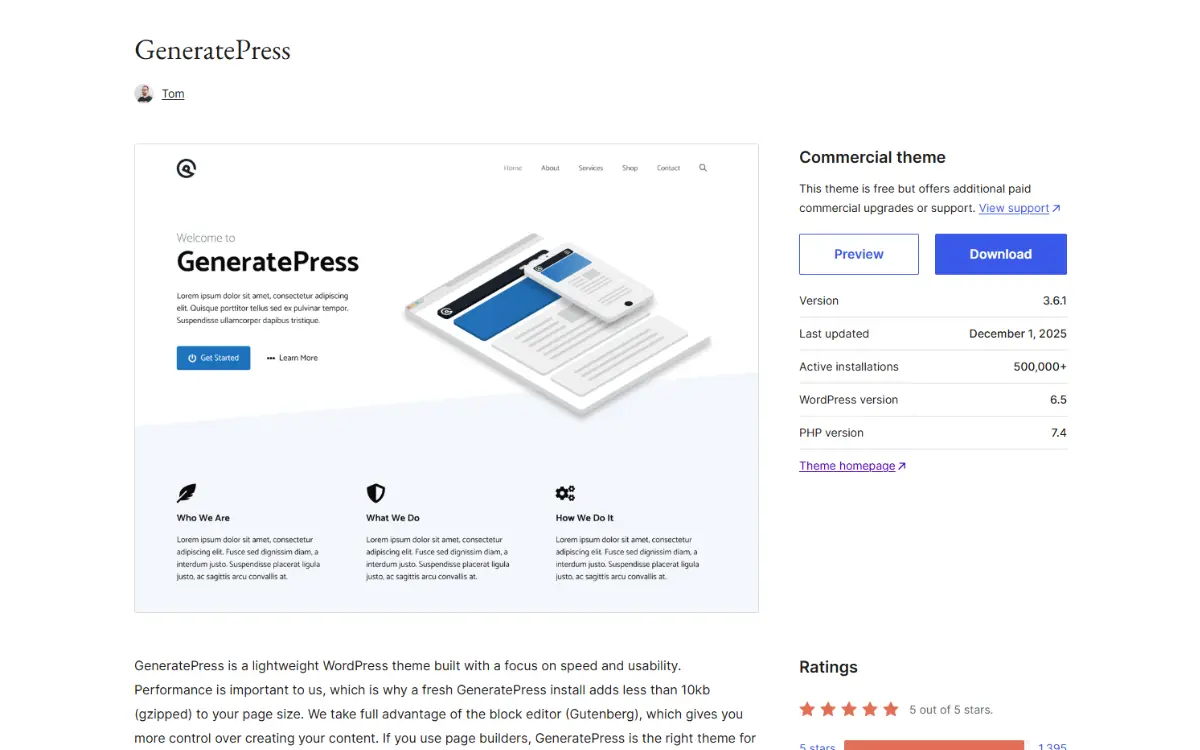
GeneratePress is a popular multipurpose theme that started as a classic theme but has now evolved into a hybrid theme. It works in combination with the following components:
- The core theme. A free theme that forms the foundation.
- GenerateBlocks. A premium plugin that adds new blocks to the WordPress block editor (for example, Container, Headline, Query Loop, etc).
- GenerateCloud. This tool provides a hub to store the custom block patterns you create with GeneratePress.
Why you might like it
Here are a few reasons why GeneratePress is so popular with WordPress site owners.
- A modular architecture. The theme lets you activate only the modules you need, reducing bloat from features you don’t use.
- Page builder compatibility. If you prefer to use page builders to create your store’s pages, GeneratePress is compatible with the most popular ones.
Here’s the catch: The entire theme is built on PHP template files. This includes the header, footer, sidebar, and even the WooCommerce module itself. You can use FSE to customize your entire site.
WooCommerce theme 5: Neve
Best for: Conversion-focused WooCommerce features.
Price: Free version available. Pricing for the premium version starts at $69/year.
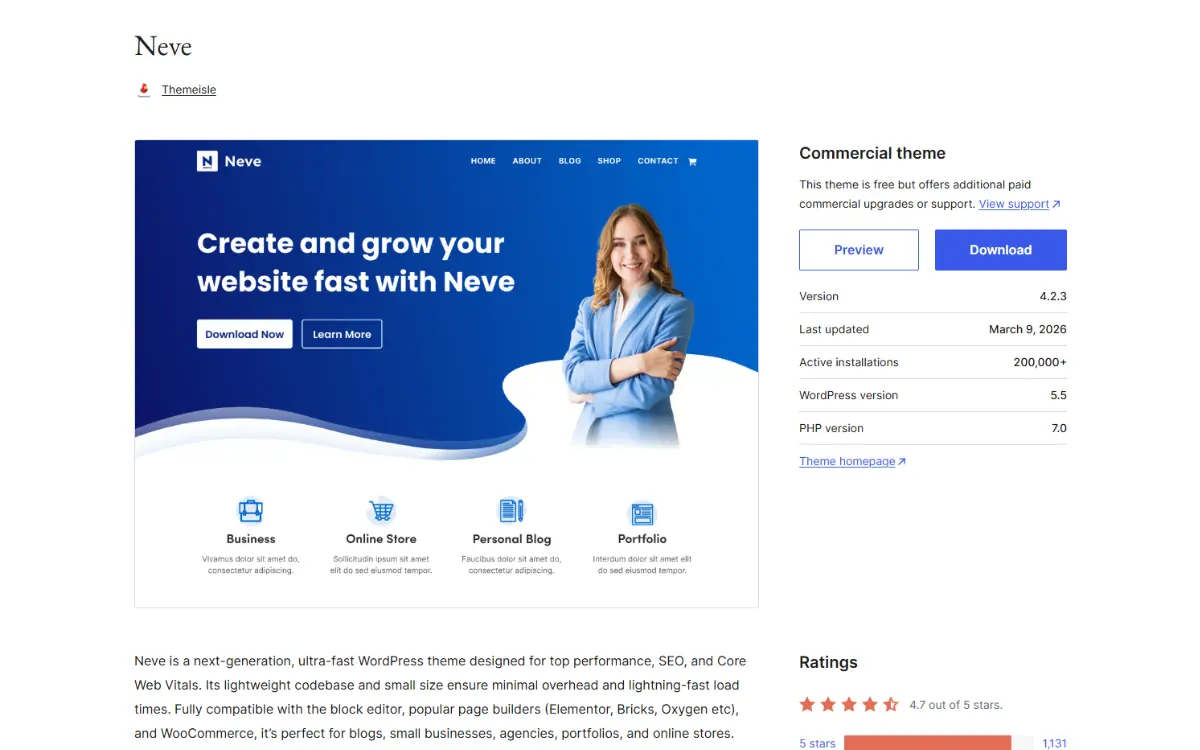
Neve is a classic theme that has been updated to be compatible with the Gutenberg editor. It uses traditional PHP files for the layout and the Customizer for editing. For content, it uses the block editor.
Because it outsources layout control to PHP templates, it’s not a true block theme. So what makes it good for WooCommerce? Neve has a suite of tools that extend WooCommerce functionality on your site.
Why you might like it
Here are some of Neve’s key features:
- Built-in WooCommerce features for boosting conversions. Such as product quick view, cart notices, floating cart, etc.
- A large starter site library. Neve has over 100 starter sites to choose from. You can find one that suits your shop and customize it to your liking.
- Wishlists for your customers. Using its wishlists feature, you can let customers save their favorite products and return to them later when they’re ready to buy.
WooCommerce theme 6: Botiga
Best for: Ready-made WooCommerce designs.
Price: Freemium. Pricing for the premium version starts at $63/year.
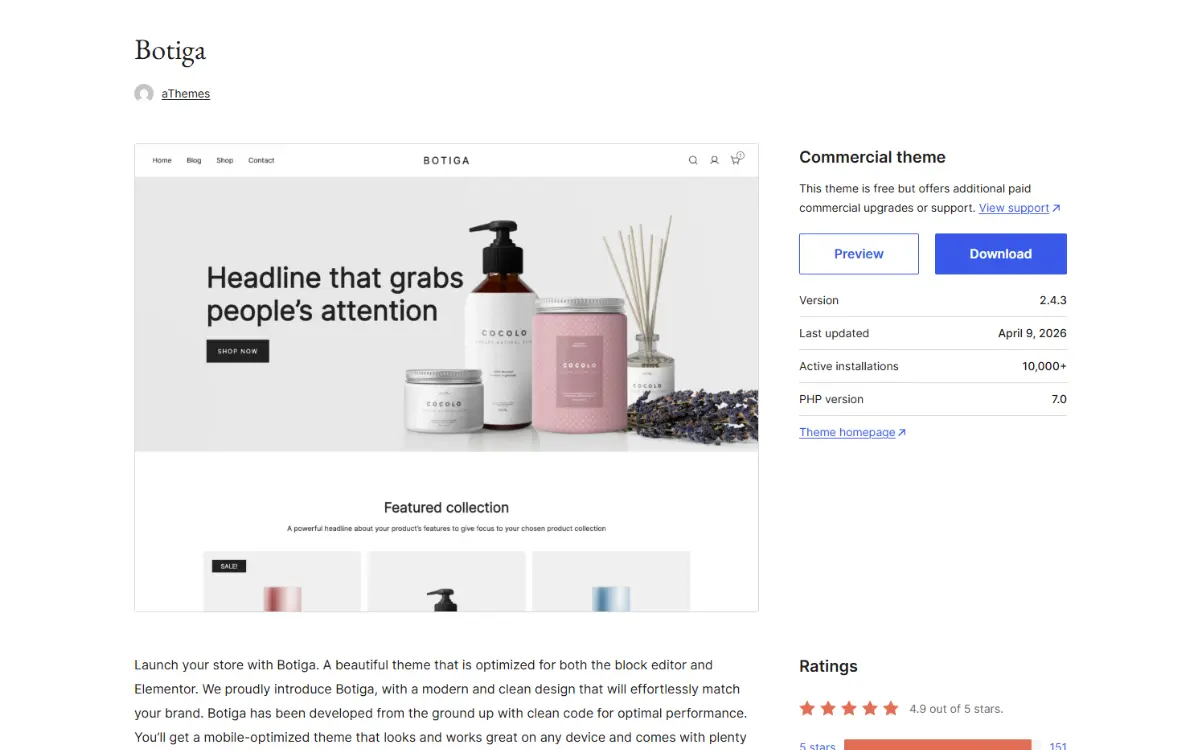
Botiga is a hybrid block theme that is optimized for the block editor and the Elementor page builder. It is a dedicated WooCommerce theme featuring several pre-made designs for different parts of your online store.
With this theme, you’ll get designs for your product card, header, and footer, product gallery, checkout, mini cart, etc. In addition to designs, Botiga offers several features to improve how your online store operates.
Why you might like it
Here’s a highlight of its key features:
- Features to improve your store’s functionality. Botiga Pro includes customizable product filters, customer wishlists, and variation swatches to improve product browsing.
- Templates builder. This module lets you create custom templates for different pages using blocks and theme elements.
Keep in mind: With Botiga, editing is split between the Customizer and the Template builder. This back-and-forth can be confusing and slower than doing everything in the WordPress block editor.
FAQs about WooCommerce block themes
So that’s it on true and partial WooCommerce block themes. Do you still have more questions on WooCommerce block themes? Let’s answer some of the most common ones.
What is the difference between a block theme and a classic theme?
A block theme lets you design your entire site visually using blocks and the Site Editor. While a classic theme relies on PHP templates to design your site. For most themes, you can’t edit sections like headers and footers without editing the theme’s code.
Do I need a block theme to use WooCommerce blocks?
No. You can use WooCommerce blocks with any theme, including classic and hybrid ones. But we recommend using block themes because they allow you to take full advantage of FSE capabilities in WordPress.
Can I switch from a classic theme to a block theme without losing my store content?
Yes. Your WooCommerce data is stored in the database, not the theme. But you may need to rebuild layouts and styling after switching.
Are WooCommerce block themes good for SEO?
Block themes help with SEO because they’re lightweight and have cleaner code. This means they improve your store’s performance, which is good for SEO. Keep in mind that SEO still depends on the quality of your content and how well you structure your site.
Find the right WooCommerce block theme for your store
When looking for a block theme to build your WooCommerce store, you’ll run into true and partial block themes. We highly recommend using a true block theme to create your WooCommerce store, because it gives you access to full site editing. Also, it is the direction WordPress and WooCommerce are moving.
With partial block themes, however, you’ll need workarounds (which may include editing code) to be able to edit specific WooCommerce pages like the single product page.
Ollie is the best true block theme to use for creating your store. In addition to fully supporting WooCommerce blocks, it provides everything you need to design a WooCommerce store that looks good and works well. From various customization options, ready-made starter sites, and WooCommerce design patterns, to a built-in design system.
