
Hey folks, Mike here from Ollie, and I’ve got something exciting to share. We’ve completely redesigned the Ollie Pattern Library, and it’s packed with powerful new ways to find and assemble patterns — including our very first layer of Ollie AI.
A unified, refined design language
The Ollie Pattern Library is home to hundreds of professionally-designed patterns and full page layouts that can save you hours when building a site.
With that much design in one place, we wanted to make it easier than ever to surface the right pattern at the right moment — and make sure everything you pull in feels cohesive. So we set out to refine the entire library and rethink how you discover and assemble patterns.
Every pattern in the library has been refined to a beautiful, unified style. We tightened up the design system so that no matter which pattern you reach for, it feels cohesive with the rest of the collection. Mix and match patterns across collections and they just work together.
A faster, more focused Browse tab
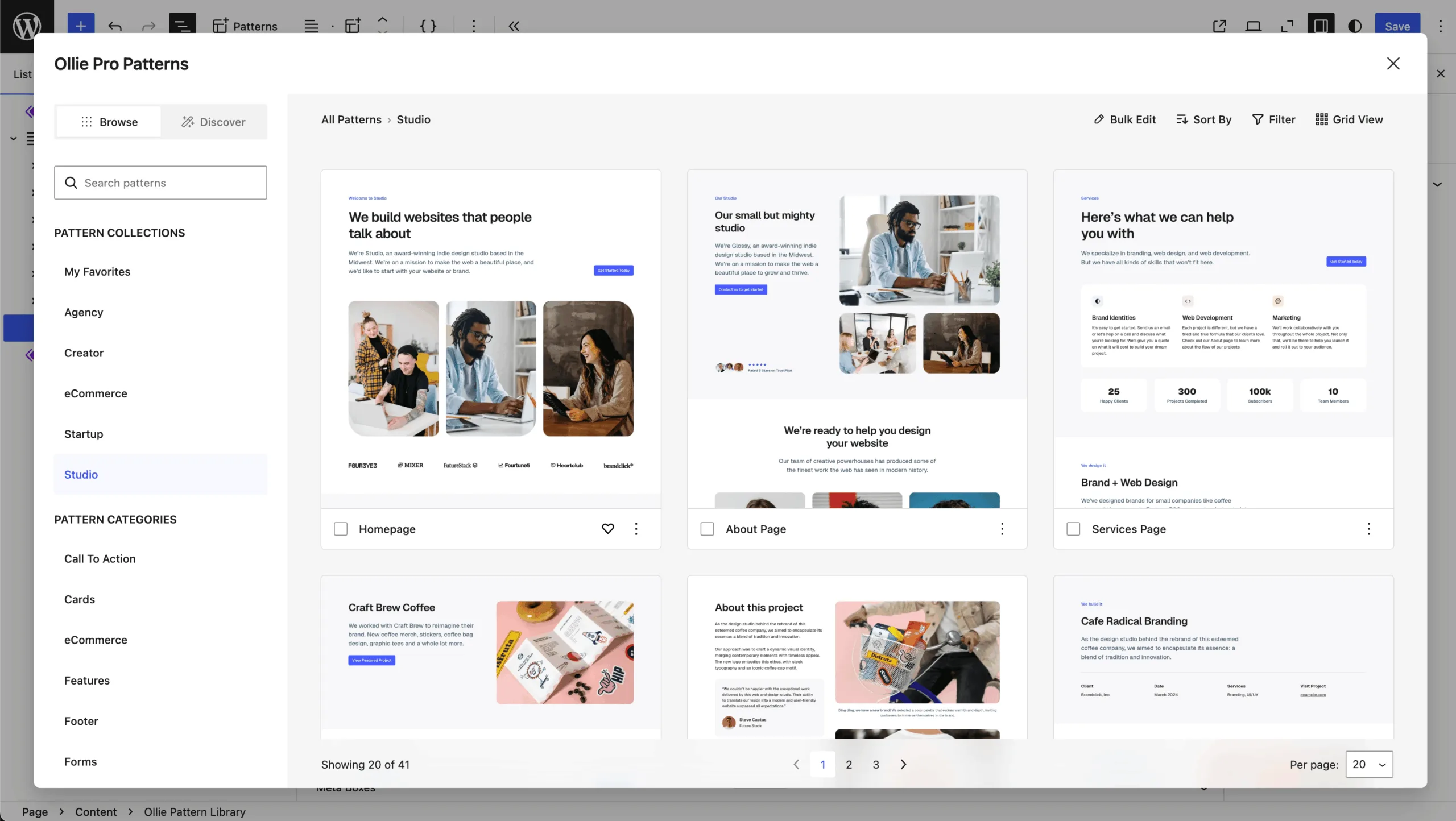
The Browse tab is your home base for exploring the library, and it’s a lot snappier now. Search is faster and more accurate, with results showing up as you type. You can filter by collections, categories, or favorites, and adjustable grid views let you browse quickly and efficiently. Every pattern has quick actions right at your fingertips — insert, download to your theme, or favorite with a single click.
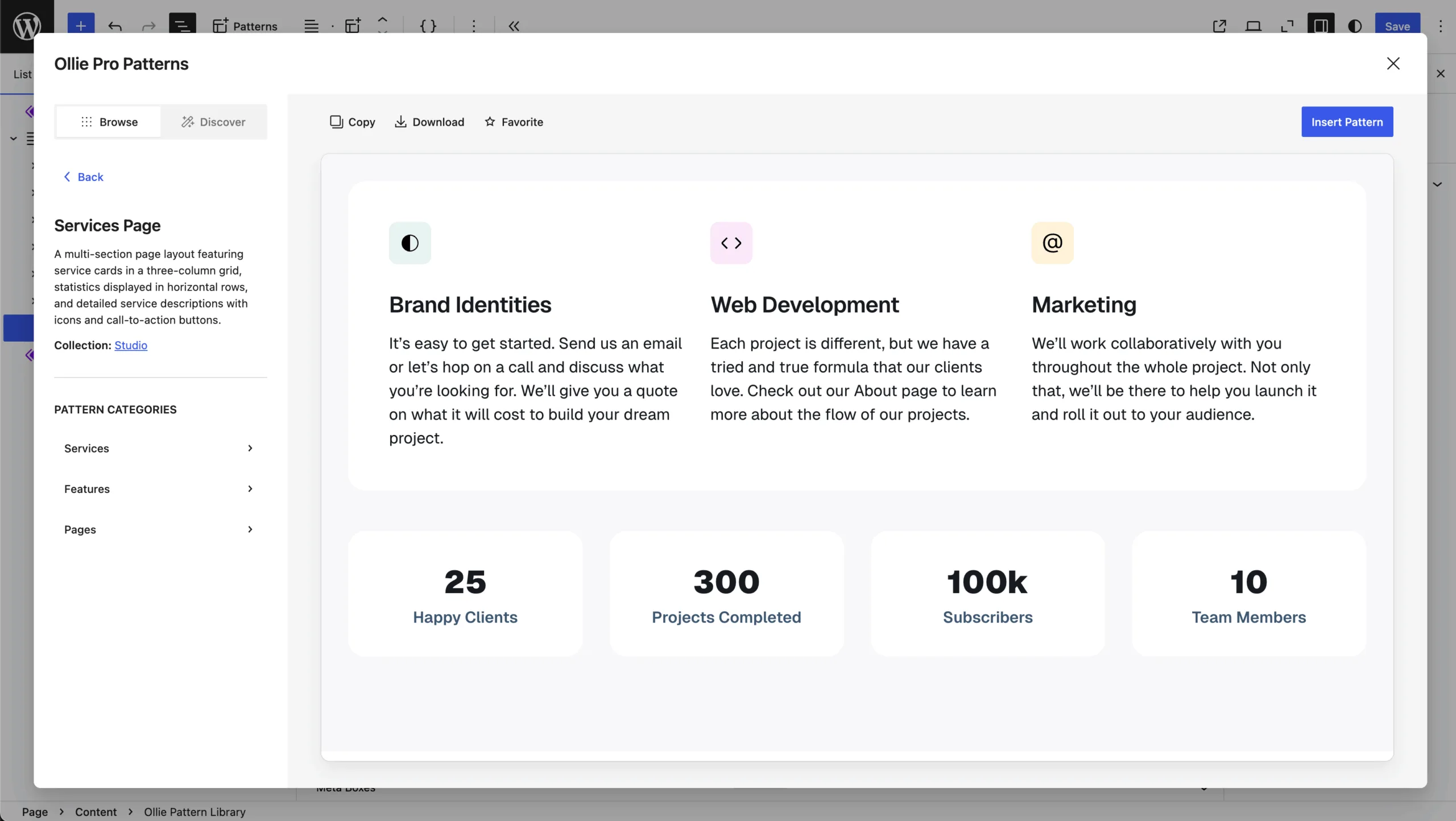
We also redesigned the single pattern view with a clean two-pane layout: pattern details on the left, a big live preview on the right, and all the key actions up top.
Meet the Discover tab — our first layer of Ollie AI
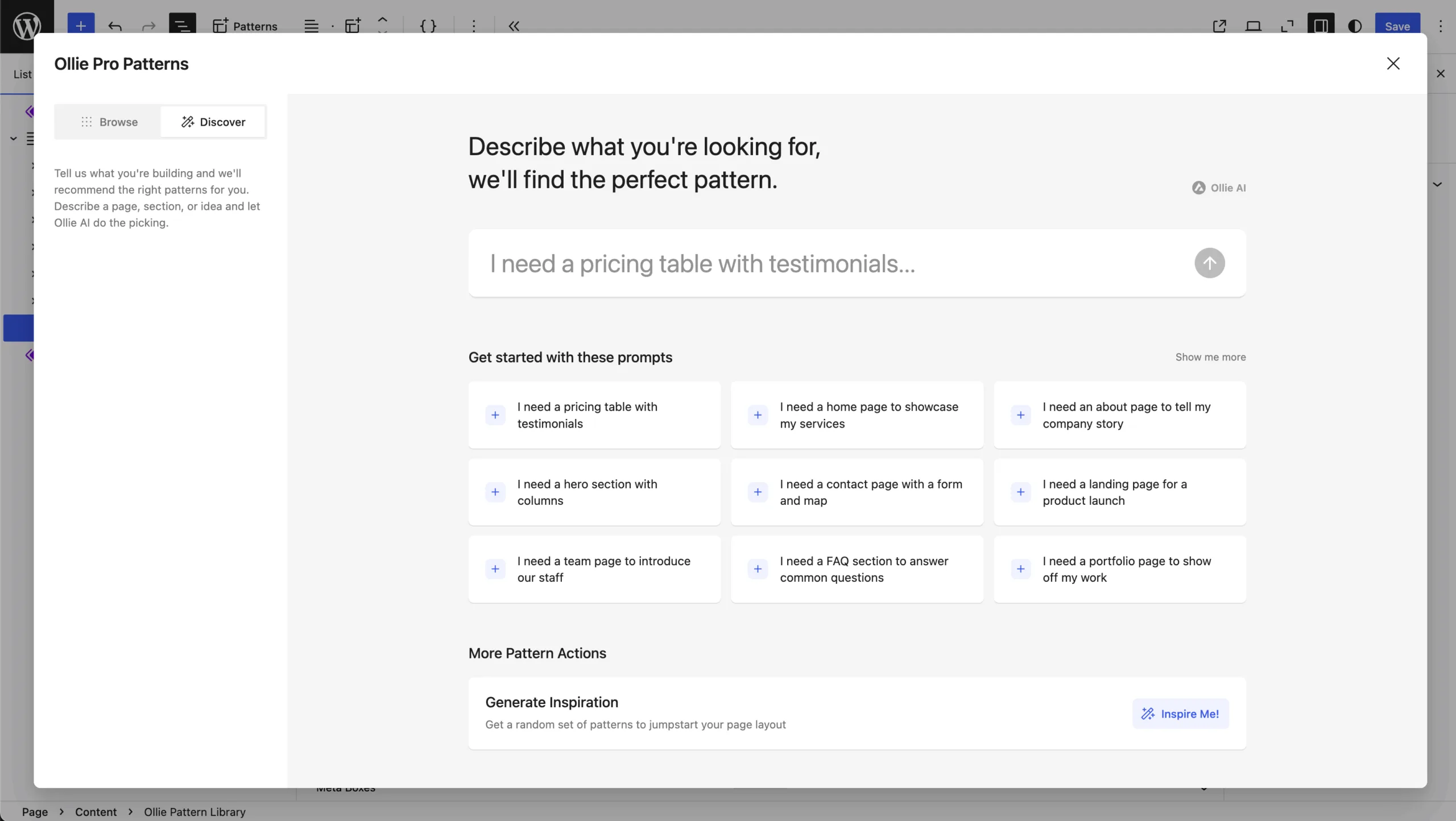
Here’s where things get really exciting. The Discover tab is our very first layer of Ollie AI, and it completely changes how you find and assemble patterns.
AI-Powered Search lets you describe what you need in plain language. Type something like “a pricing page with testimonials” and Ollie AI returns the best matches. You’ll get up to three options to toggle between, and when you find one you like, favorite it or insert it with a click.
Pre-Made Prompts give you over a dozen curated suggestions to spark some ideas, and you can customize them further to dial in exactly what you’re looking for.
Inspire Me might be my favorite addition. Click it and Ollie loads several random patterns into a full page layout. It’s a fun way to discover hidden gems and design combinations you wouldn’t have thought to try yourself.
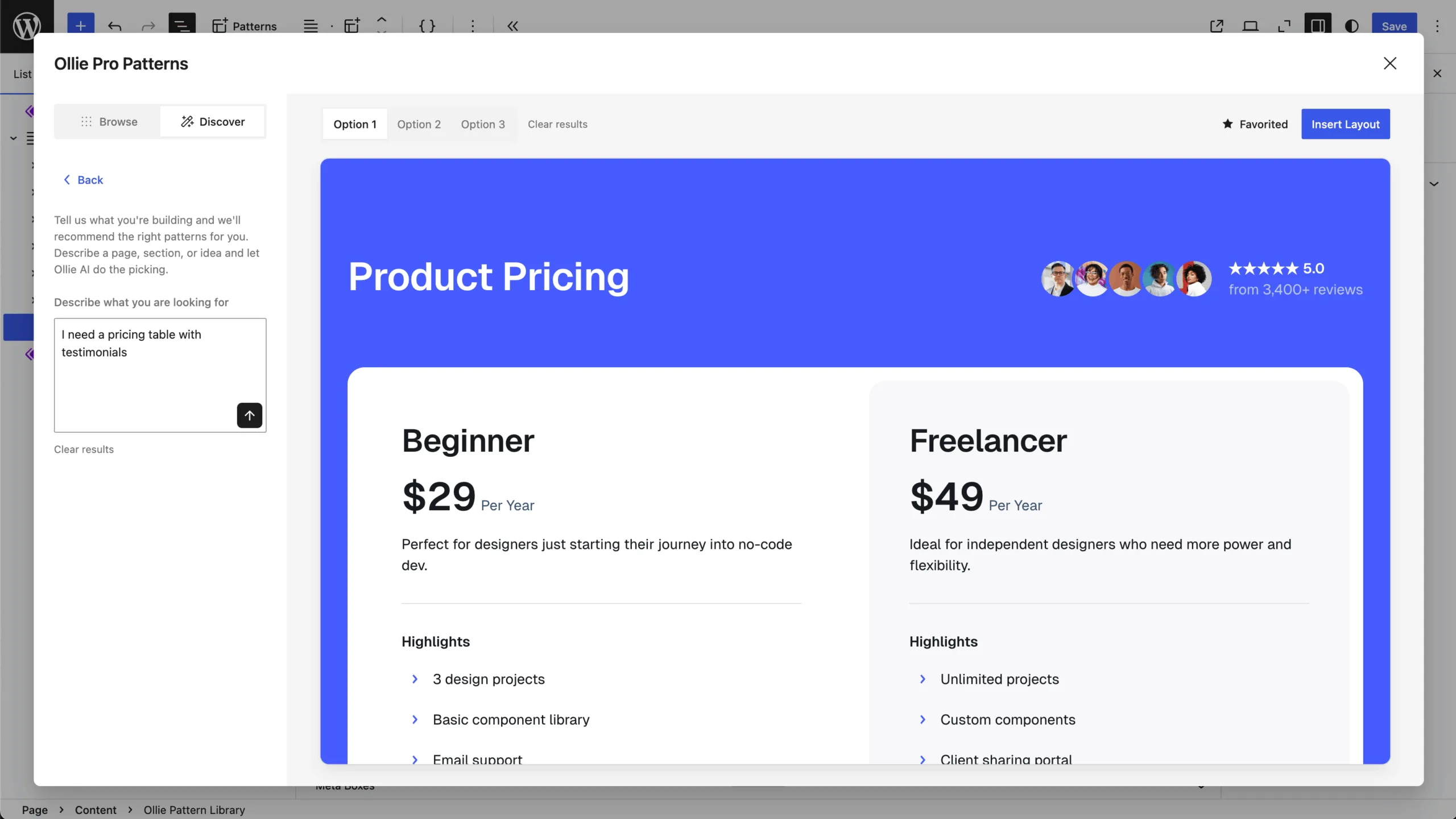
Once you’ve got a layout, switch to Grid View to drag and drop patterns into the order you want, then click Insert Layout to drop the whole set onto your page in one click.
The speed of AI with the quality of human design
With a single search or one click of Inspire Me, you just saved an hour or more on layout design — and the best part is you didn’t have to sit around waiting on AI to generate something from scratch. These are pre-made, professionally-designed patterns that Ollie AI pulled together intelligently for you. You get the speed of AI with the quality and polish of human design.
This is just the first taste of what we’ve got planned for Ollie AI, so stay tuned because there’s a lot more coming. Head over to olliewp.com to grab Ollie and start building with the new pattern library today.
